Go into the Assessment Report and find the Reference Key on the "General" tab:

Click on the "Edit" button:

From there, change the text and click "Proceed," you will then be presented with a pop-up:
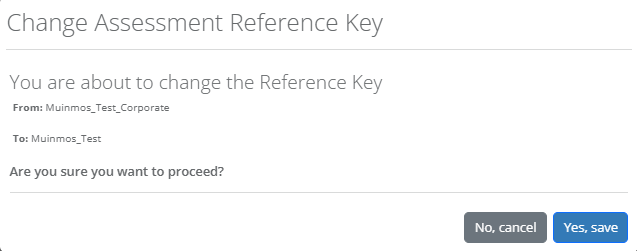
Click on "Yes, save" to preserve your changes. Changes to reference keys can be found in the Audit Log. For more information about the Audit Log, please see our Knowledge Base article Here.